
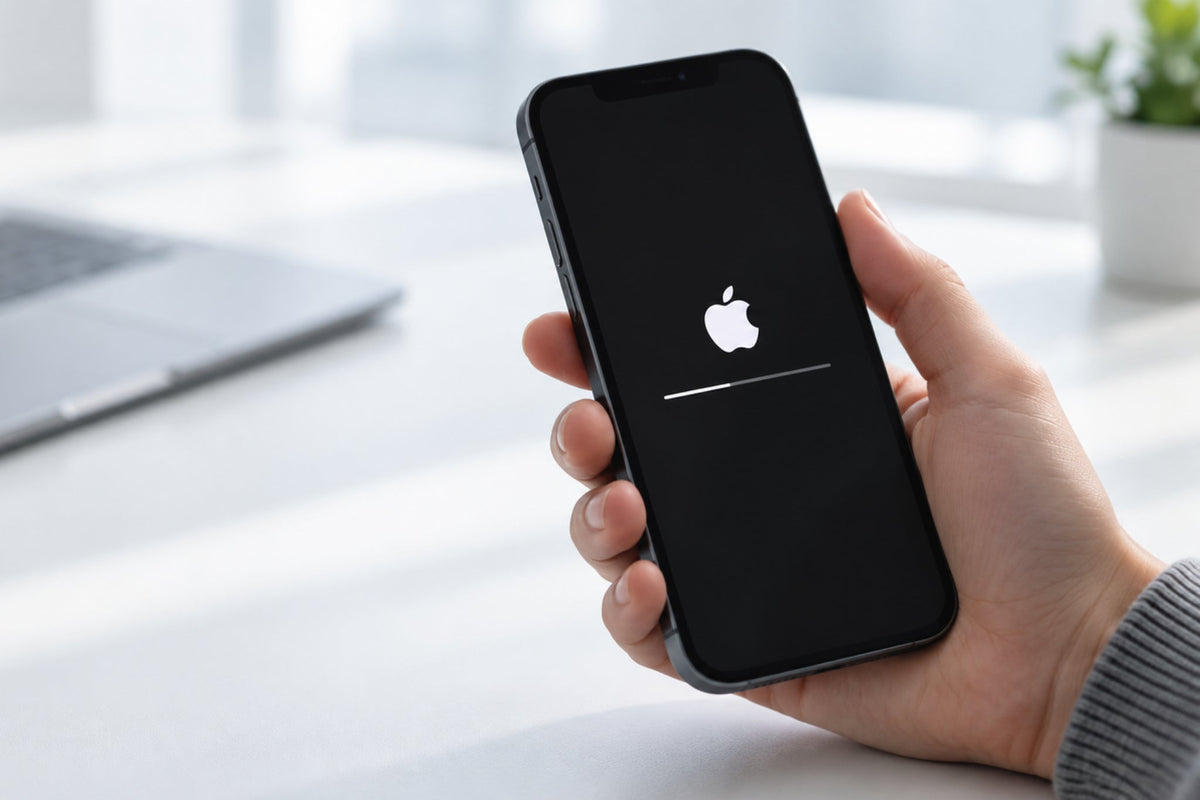
iOS 27 is available, bringing new features, performance improvements, and more security tools. Before you tap “Download and Install,” though, you’ll need to do a little preparation.
What’s new in iOS 27?
The new version makes iPhone faster and easier to use, while upgrading features you use every day.
The most important changes include new photo-editing tools, the ability to save a video frame as a photo, and easier access to your favorite camera tools. More parental control and child protection features are also being added.
Is your iPhone compatible?
iOS 27 supports iPhone 11 and later, as well as the 2nd- and 3rd-generation iPhone SE. Advanced Apple Intelligence features require an iPhone 15 Pro or Pro Max, iPhone 16, or a newer model.
What to do before installing
Before you get started:
-
Create a recent backup to iCloud or your computer.
-
Make sure you have enough free space.
-
Update your apps from the App Store.
-
Connect your iPhone to a stable Wi-Fi network and a charger.
-
Check the battery health in Settings.
If the battery is significantly degraded or your iPhone is experiencing problems, the technicians at THEFIXERS can perform a full inspection and recommend the right solution before the update.
This way, you can upgrade more safely and avoid unpleasant surprises halfway through the installation.


Share:
Your Phone or Laptop Let You Down at the Worst Possible Moment! Now What?