
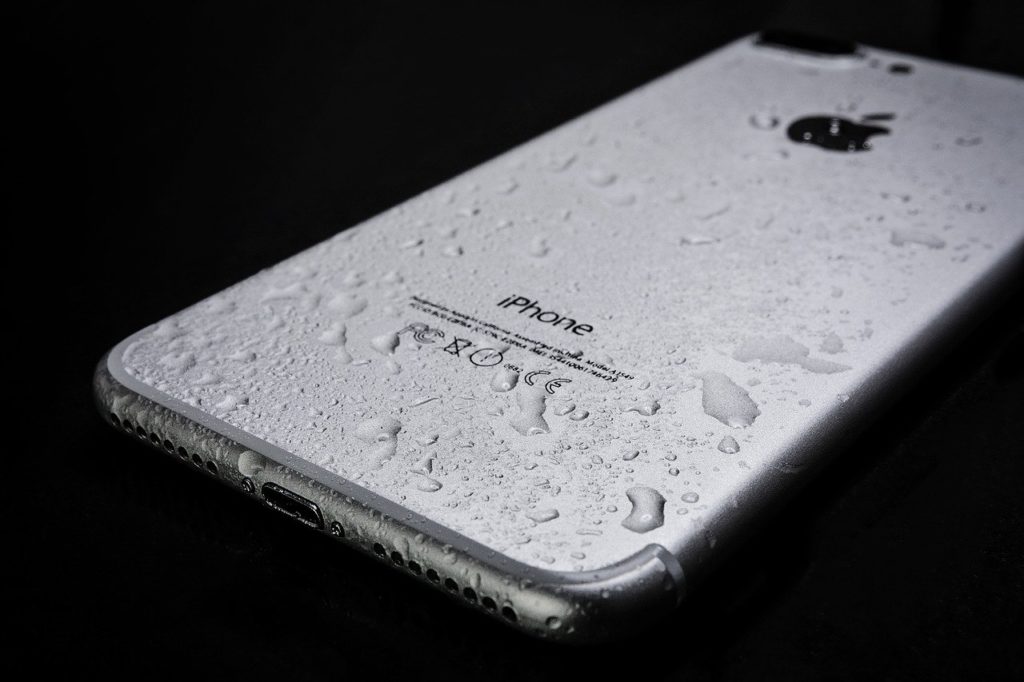
One sudden movement and your brand-new iPhone is taking a dip in the water. It sounds like something out of a horror film, but it can happen to anyone. Water damage is one of the biggest risks to your Apple smartphone, and dealing with it requires quick action and a cool head.
Step one:
If water gets on your iPhone, switch it off immediately. This will help you avoid a potential short circuit and save your phone from the worst. It is natural to think about switching your phone back on after a little while to see if it works. Just forget it! If water has collected on the logic board, a short circuit is guaranteed when you restart it!
Step Two:
Remove your iPhone's protective case so that it does not trap moisture that could seep into the device. Do the same with any protective film or glass screen protector.
Step Three:
Disconnect accessories such as headphones or the charging cable, as these may block openings through which water can escape. Then try to remove the water as effectively as possible. Use absorbent paper or a soft, lint-free cloth.
Warning!
We mentioned it above, but we cannot stress it enough. Do not try to restart your iPhone straight away, on the same day. According to Apple's official guidance, you should wait at least 2 days before switching your phone on.
The best course of action is to visit one of our stores specialising in mobile phone repairs as soon as possible. There, an experienced technician will make an accurate diagnosis and restore your iPhone to full working order with as little damage as possible.




Share:
My iPhone screen is broken, how much will it cost to repair and where should I take it?
The battery of the Samsung Galaxy has broken, what should I do?