
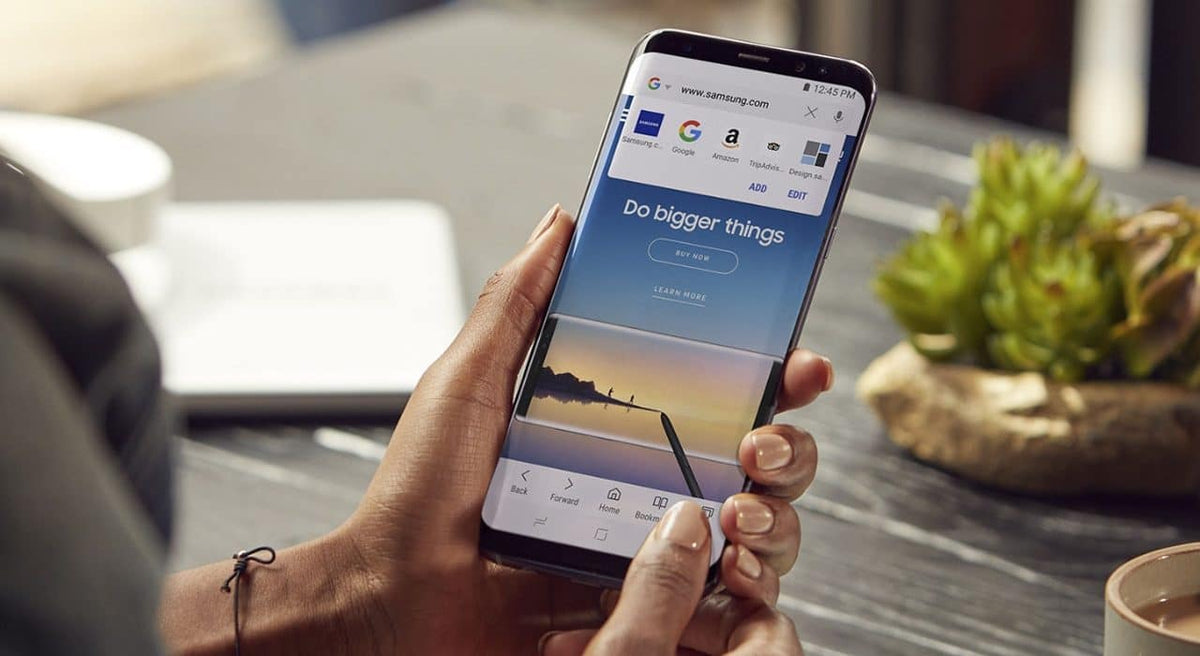
Samsung has just announced that it will release the new Samsung Internet 14.0 beta browser, with a refreshed look for an optimal viewing experience on foldable Samsung Galaxy devices and additional user interface features. It also offers improved privacy, personal data protection and security settings.
Enhanced privacy protection features
Thanks to Smart Anti Tracking technology, which can detect when a website attempts to track users, the updated Samsung Internet 14.0 beta manages to protect users from attacks and attempts to breach their personal data.
It also features a new security dashboard that allows users to monitor and manage their settings, as well as view certain statistics, such as how many pop-ups and trackers are blocked on their device each day.
A better viewing experience on foldable Galaxy devices
Those with foldable Samsung Galaxy devices will now be able to enjoy Flex mode, which allows them to watch videos on the upper part of the screen, while the lower part will display the playback controls, for an even more enjoyable viewing experience. Flex mode is automatically activated via Video Assistant every time the user plays a video.
Multiple tasks at the same time
The new Samsung Internet 14.0 incorporates the App Pair feature, which allows multiple Samsung Internet browser windows to be launched simultaneously. Users can view all the windows on a single screen (split-screen) and carry out two or more tasks at the same time. For example, they can watch a video while searching for information or shopping online.
Font selection for a personalised browsing experience
Another feature that makes the browsing experience more personalised in Samsung Internet 14.0 beta is font selection. Users can customise the appearance of text by choosing a font they like or find easier to read. In Internet Settings, look for the “Labs” option.
In addition to the above, other useful features of Samsung Internet 14.0 beta include the following:
- S Pen to text on the Galaxy Tab S7 series: With the help of the S Pen, users can write in text fields and see their handwriting converted into text.
- Reading mode: The significantly improved Reader Mode reorganises content-heavy pages to make them clear and easy to read.
- Translation extension: The Samsung Research translation feature is expanding to support 18 languages, making it even easier to view translations while browsing
All these very interesting features will be available to all users in April once the beta testing period ends. Users will receive a notification on their device and will be able to enjoy a better browsing experience.




Share:
It's official! The Samsung Galaxy A52, Galaxy A52 5G and Galaxy A72 have launched
What would the iPhone look like without the notch?