
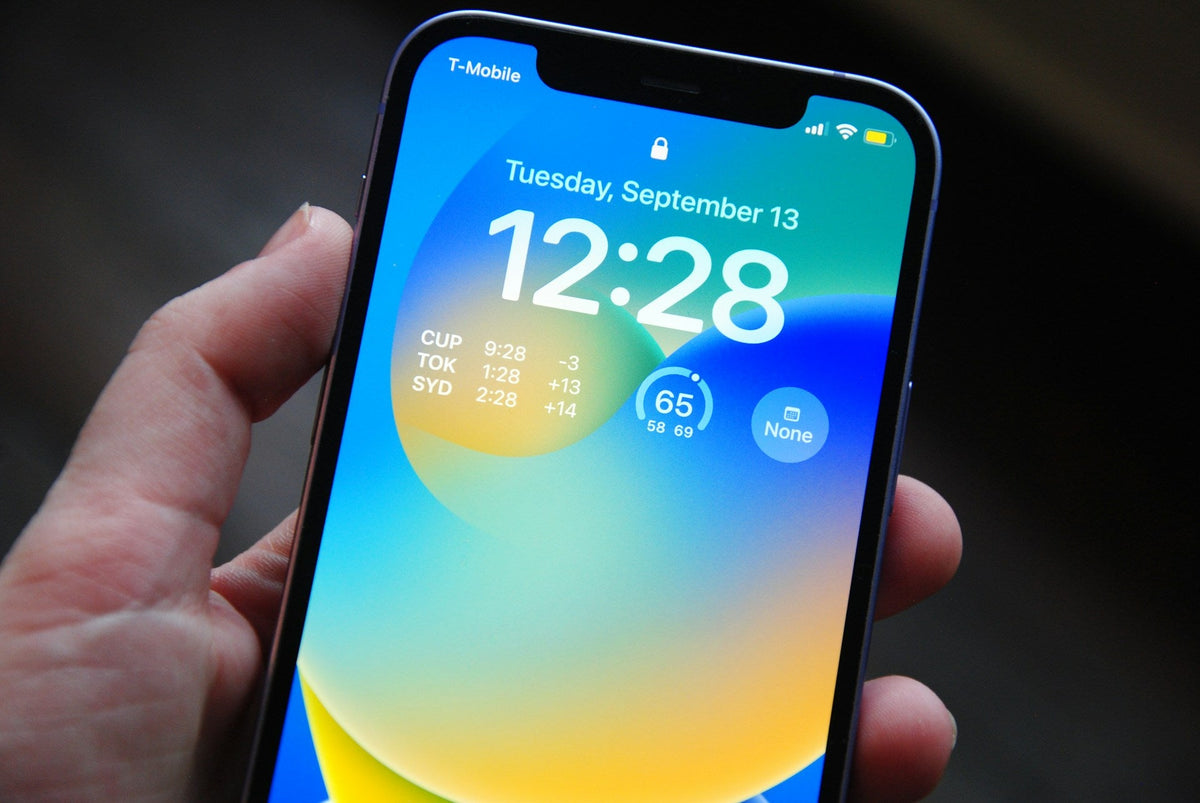
Apple released iOS 18.1 on Monday (28/10), one of the most eagerly awaited updates, introducing Apple Intelligence features that make iPhones smarter and easier to use. However, many users on X (formerly Twitter) noticed rapid battery drain after upgrading, with several describing the experience as “disappointing”.
Despite this, the update includes critical security fixes that protect your iPhone from potential threats. If you are noticing increased power consumption, here are some useful tips.
What to Do If Your Battery Drains After the Update
Battery drain is common after major software updates, as several background processes are needed to complete the changes. This can take anywhere from a few hours to several days. Expert Adrian Kingsley-Hughes explains that battery recalibration may give the impression of increased power consumption, which usually settles down over time.
If the problems persist, however, check your battery’s “Maximum Capacity” in Settings > Battery. Battery wear can lead to reduced performance, and if the problem is significant, your iPhone will display a notification recommending a battery replacement.
When Is Apple Intelligence Coming to the EU?
Although Apple unveiled Apple Intelligence at WWDC 2024, its full rollout is taking place gradually. At present, the features are mainly available in English (US), while users in the EU face restrictions. For example, if your Apple ID is linked to a European address, you cannot enable Apple Intelligence on your iPhone, even if the language is set to English (US).
Mac users in the EU can, however, enable Apple Intelligence from Monday (28/10), provided they have a Mac with an M1 processor or later. This difference is thought to be related to the requirements of the Digital Markets Act (DMA), which primarily affects iOS and iPadOS.
What the EU Version of Apple Intelligence Includes
Apple announced that from April, iPhone and iPad users in the EU will have access to key Apple Intelligence features. The update will include Writing Tools, Genmoji, the new Siri with improved language understanding, ChatGPT integration, and other capabilities that promise a better user experience.
Apple says it is working to ensure these features comply with the DMA and stresses that it will continue to improve its services with users’ privacy and security in mind. During 2025, Apple plans to extend language support to twelve more languages, including French, German, Italian and Spanish, for a more complete user experience in Europe.




Share:
Apple Intelligence: When Are AI Features Coming to Europe?
iOS 18.2: A Major Change for iPhone Users in the EU