
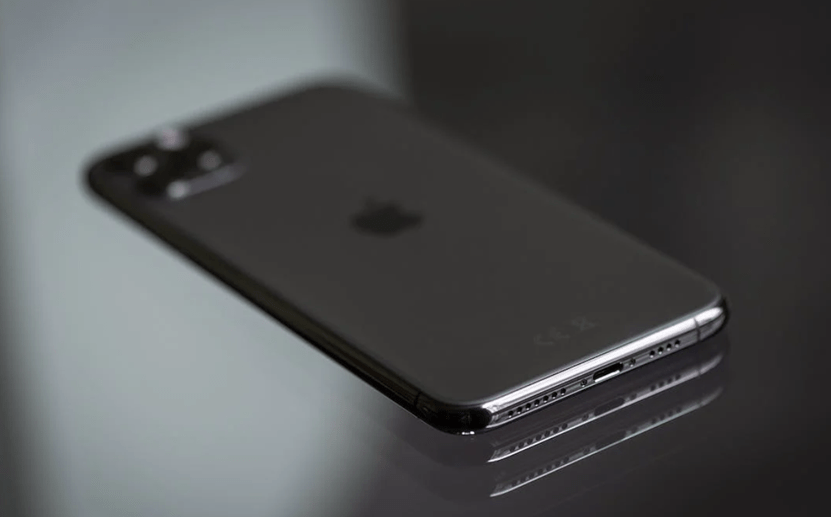
All iPhone users are being urged to check a setting on their device to avoid an unwanted charge this month.
Apple devices give users instant access to a huge range of apps covering every need, from news and wellbeing services to games and entertainment.
While many of these apps are completely free, others are only free for a limited period. Once this period ends, users are given the option to pay to keep using the app on their phone.
iPhone: Check your device for apps that are charging you
To avoid being charged for a subscription without realising it, or because you forgot to unsubscribe from an app, you need to carry out a quick check on your device.
Here are the steps to follow:
- Tap the Settings icon
- Select your profile
- Tap the subscription ‘Options’ in the menu: Here you will see the full list of services and in-app purchases you have subscribed to.
- From there, you can tap to cancel any services you do not use or do not want to pay for. You will still have access to the app until the next billing date, but you will not be charged on next month’s bill.




Share:
Motorola Edge 40: Comes with the widest aperture on a smartphone
Google bans popular apps -The annoying and dangerous adware