
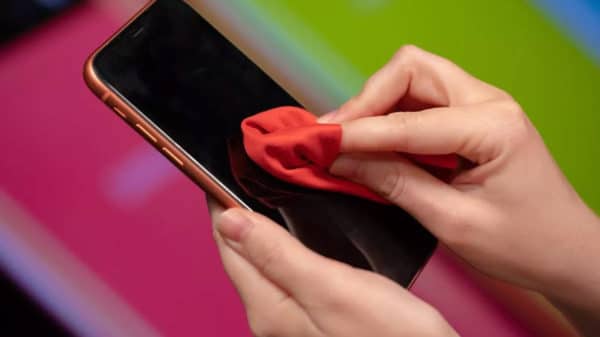
Your iPhone, in addition to being a phone, is a work tool as well as a means of entertainment and communication. It's only logical that you wouldn't go anywhere without it. The more you use it, the greater the need to clean it.
The newer iPhone models like the iPhone 11, iPhone 11 Pro, and iPhone 11 Pro Max, are made from textured glass, which can offer stunning looks but can also accumulate particles when in your bag or pocket. These particles may look like scratches when, in reality, they're "dirt" that can be removed with careful cleaning. The same applies to older models, which are exposed to dust, moisture, and bacteria present on many surfaces.
Common cleaning products can cause significant damage to your iPhone and affect its operation. Below you will find useful guidelines on how to correctly clean your Apple iPhone without causing any damage.
- Disconnect the charging cable and headphones, and turn off the smartphone.
- Use a slightly damp soft cloth that does not leave lint (like those for glasses) and clean your smartphone with gentle, careful movements.
- Be careful not to let moisture get in through the USB ports, the camera or the speaker.
- As mentioned before, don't use common cleaning products as the iPhone has an oleophobic and oil-repellent coating that could be affected.




Share:
Can a faulty or broken screen on a Huawei Mate 20 Lite be repaired?
Clean your iPhone screen properly