
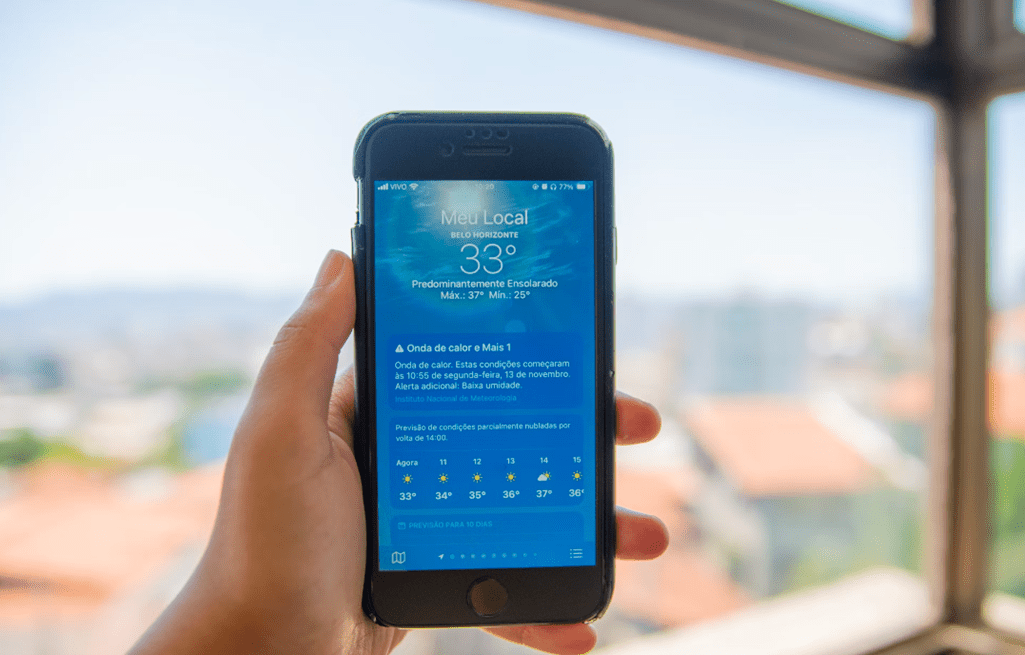
When smartphones get too hot, they start to malfunction and may suffer long-term damage. Overheating can affect the device's performance and shorten its battery lifespan. To keep your iPhone in excellent condition and prevent frequent overheating, it is important to take steps to cool it down.
Addressing overheating issues will help your iPhone run smoothly. In this article, we offer some simple tips for cooling down an iPhone, as more heatwaves are expected in Greece this summer.
Tips for Cooling Down Your iPhone
Remove the case
An extra layer of insulation makes it harder for your phone to cool down. Consider a case with ventilation slots.
Do not leave your phone in a car in the sun
The temperature can rise quickly in a car parked in the sun. Take your iPhone with you to prevent overheating.
Avoid direct sunlight
If you are on holiday somewhere with strong sunshine, keep your iPhone in a bag or in the shade. Avoid using your phone if possible.
Avoid gaming
Games, particularly those with advanced graphics, put strain on the processor, heating up the device. AR apps can also be demanding and cause your iPhone to heat up.
Stop using Bluetooth
Bluetooth is an additional source of heat. You can turn it off from Control Centre: swipe down from the top right on an iPhone without a Home button and tap the Bluetooth icon. (If your iPhone has a Home button, swipe up from the bottom).
Turn off Location Services
GPS can generate heat. Turn it off by going to Settings > Privacy > Location Services. Speaking of GPS, avoid using Maps for directions too.
Avoid charging your iPhone
Wait until you reach somewhere cooler or your iPhone has had a chance to cool down. Charging heats up the device.
Turn on aeroplane mode
This turns off GPS, Bluetooth, Wi-Fi and mobile data. You can find it in Control Centre: tap the aeroplane icon.
Use your car's air conditioning
To cool down your iPhone, attach it to a car mount in front of your vehicle's air conditioning vents.
Operating temperature
All current iPhones are designed to operate at ambient temperatures between 0 and 35º C . When an iPhone gets too hot, it will display a warning message saying that the iPhone “needs to cool down before you can use it”. This will normally appear on a black background, although if you are using navigation, it will appear as an overlay notification.
To get back to using your device as quickly as possible, turn it off, move it to a cooler environment and give it a chance to cool down. By following these tips, you can keep your iPhone cool and avoid overheating issues during the hot summer months.




Share:
The iPhone 16 Pro Takes Artificial Intelligence to New Heights
Apple Intelligence: New Subscription Service for Full Access to Apple AI Features