
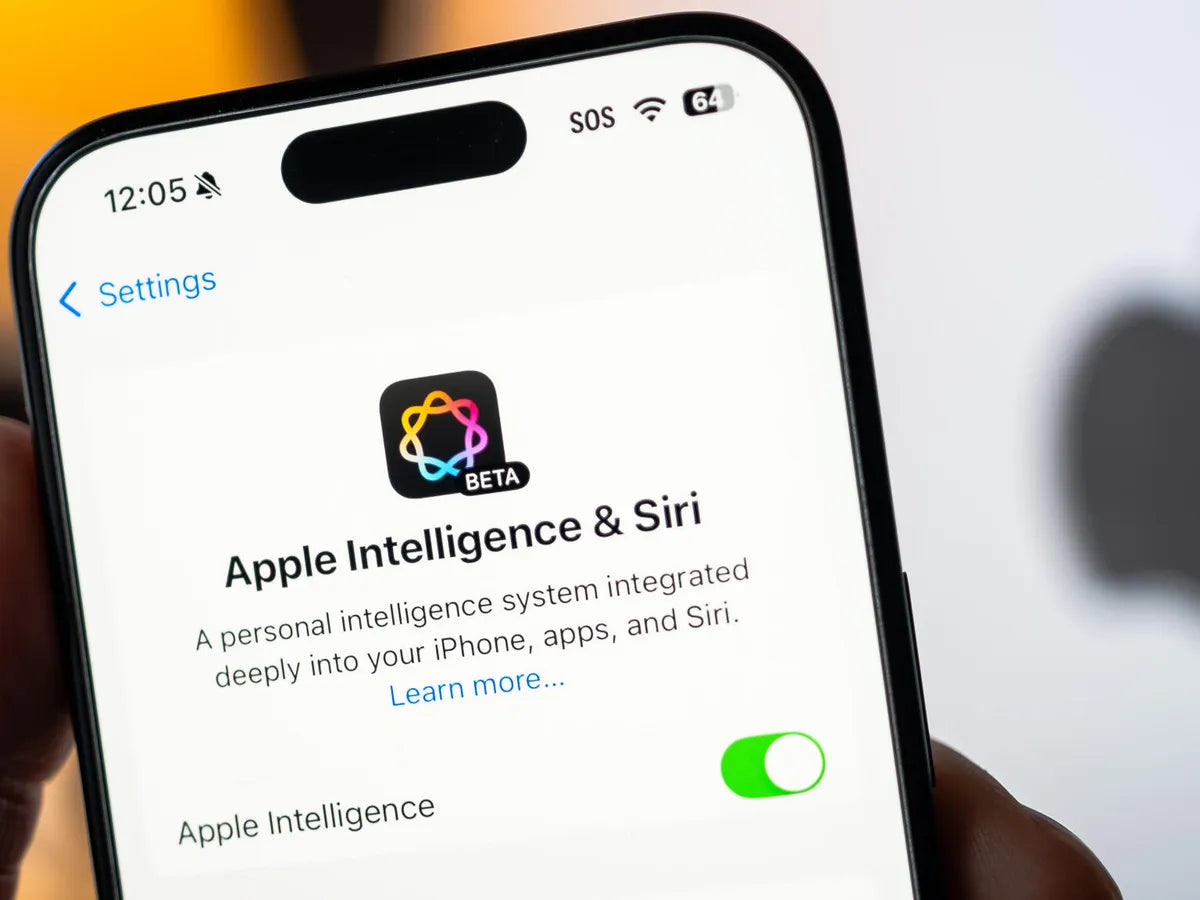
With the release of iOS 18.4 for compatible iPhone models, Apple officially launched Apple Intelligence in Europe — and, consequently, in Greece. Although the feature is not yet fully available in Greece, it can now be enabled under certain conditions.
Apple Intelligence is supported on all iPhone 16 models, as well as the iPhone 15 Pro and iPhone 15 Pro Max. However, to use it in Greece, you need to change your device's primary language to English, as Greek is not currently supported. Both the operating system and Siri must also be set to English.
To enable Apple Intelligence, follow the steps below:
First, go to Settings on your device, select «General», then «Language & Region». There, change the region to «United States».
Next, return to Settings, go to «Apple Intelligence and Siri», select «Language» and set English as the primary language. The option to enable Apple Intelligence will then appear, and you can turn it on using the toggle.

Once you have completed the process, it should take a few minutes for the necessary data to download. You will then have access to the new Siri experience and all the innovative features of Apple Intelligence.




Share:
One UI 7 is here – A new look, smart features, pure Samsung magic!
With iPadOS 19, the iPad becomes more Mac-like than ever!