
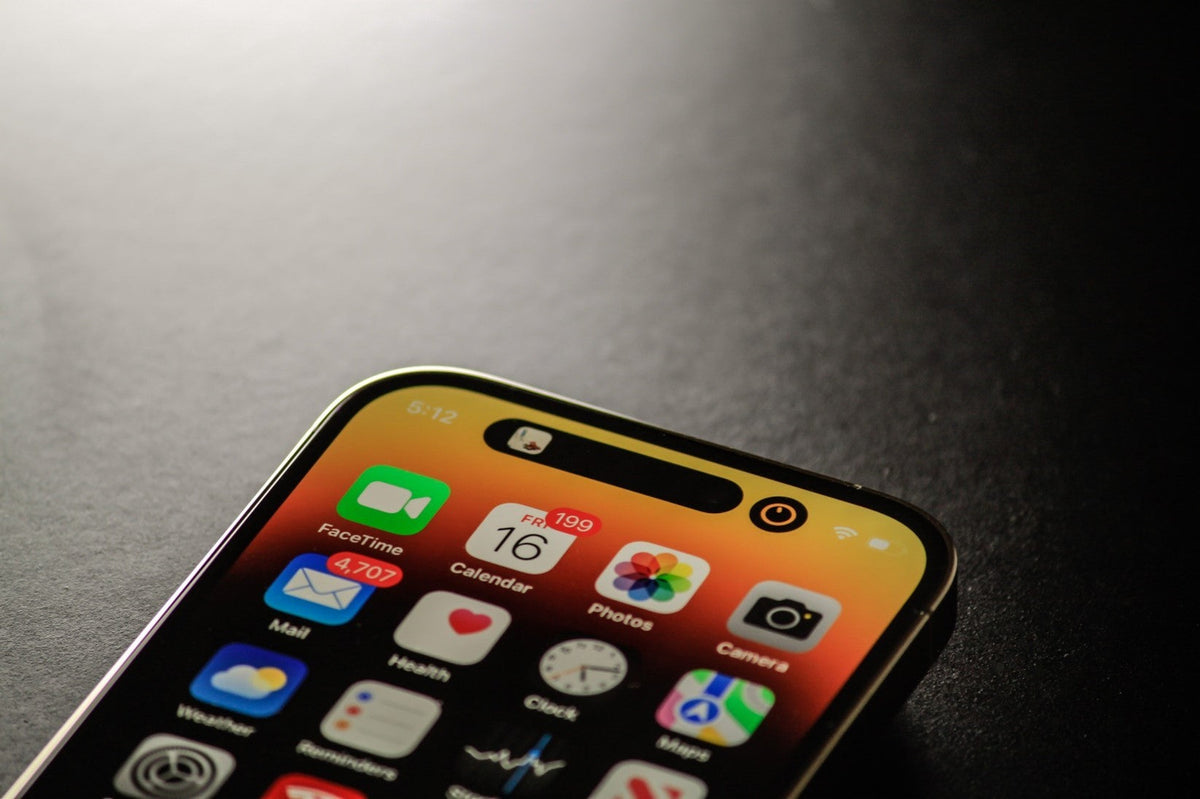
Protecting your iPhone: helpful tips. Keeping your iPhone secure is extremely important. The first rule is to set a passcode on your device to ensure its security. To do this, simply open Settings and go to Face ID (or Touch ID) & Passcode, then follow the instructions.
The next important step is to enable the "Find My Phone" feature. There is a good chance it is already enabled, but it is always worth checking. Open Settings, go to "Find My" and select "Find My iPhone". Check that the switches next to "Find My iPhone", "Find My Network" and "Send Last Location" are turned on. Newer iPhone devices have upgraded systems that allow them to transmit a signal even when the device is switched off. However, bear in mind that this tracking feature is only available on iPhone 11 and newer devices running iOS15, and can remain active for up to 24 hours after the device is switched off.
If your iPhone goes missing, you can locate it through the "Find My" app or from any computer with access to iCloud. You can also use another family member's device if you have "Family Sharing" enabled. Alternatively, you can use any other Apple device, as long as you can sign in with your own Apple ID. Whichever way you access iCloud, you will need to sign in to the iCloud account linked to your iPhone and select "All Devices" to choose your missing iPhone. The map that appears on the screen will then show your device's current location.
From the same place, you can set your device to play a sound to help you find it, enable "Lost Mode", or even erase all data from the device if you cannot locate it.




Share:
iPhone SE 4: Expected Release in 2025 - Latest Rumoured Details Revealed
Apple ready to begin mass production of the iPhone 15 series in August - Higher production volumes and price expected for the iPhone 15 Pro Max