Are you out and about and away from a wifi network? You could find yourself in an unpleasant situation, using up all your data and having to pay for extra MB.

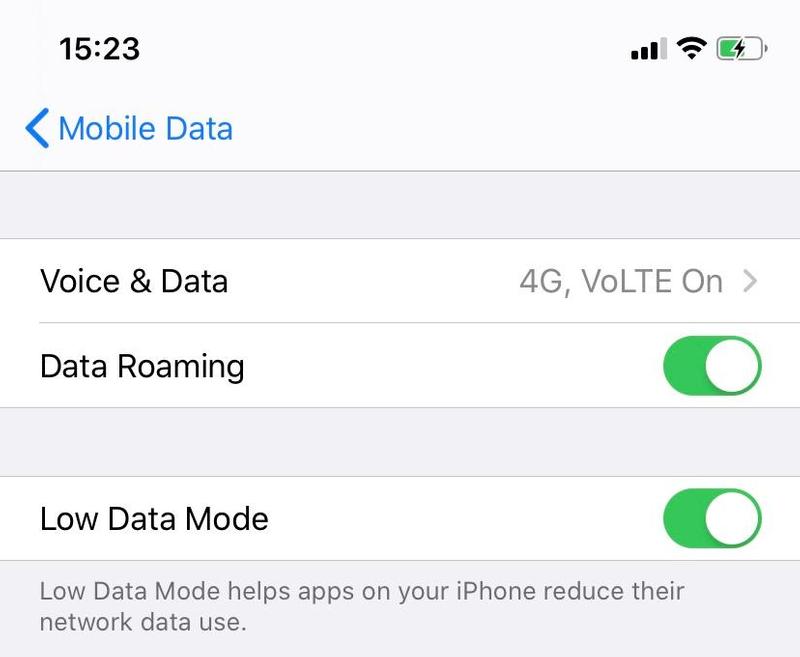
A smart way to avoid eating through your data when you’re not on wifi is to choose which apps can use 4G data in your iPhone Settings menu.

Follow these steps: Settings App > Cellular. By turning off mobile data for apps such as snapchat and YouTube, as well as apps you don’t use, you’ll notice the difference straight away, as your data will still be available for browsing wherever you really want.


Latest Stories

View all

Επισκευή, refurbished ή καινούριο; Πώς να πάρεις τη σωστή απόφαση

Repair, refurbished, or new? How to make the right decision

The Black Friday season of big deals is approaching, and with it comes the familiar dilemma: should you repair your device, choose a refurbished one, or buy a new one? The right answer isn’t the same for everyone; it depends on...

Read moreabout Repair, refurbished, or new? How to make the right decision

iOS 27: Τι αλλάζει στο iPhone σου και τι πρέπει να κάνεις πριν το update

iOS 27:What’s changing on your iPhone and what you should do before updating

iOS 27 is available, bringing new features, performance improvements, and more security tools. Before you tap “Download and Install,” though, a little preparation is in order. The new version makes the iPhone faster and easier to use, while upgrading...

Read moreabout iOS 27:What’s changing on your iPhone and what you should do before updating

Το κινητό ή το laptop σου σε άφησε την πιο λάθος στιγμή! Και τώρα;

Your Phone or Laptop Let You Down at the Worst Possible Moment! Now What?

The academic year has started, the first assignments are in, and suddenly your laptop will not turn on or your phone will not charge. Before you start looking for a new device, stay calm! Many of the most common faults can be repaired. What could have gone wrong? The most common phone problems involve…

Read moreabout Your Phone or Laptop Let You Down at the Worst Possible Moment! Now What?