
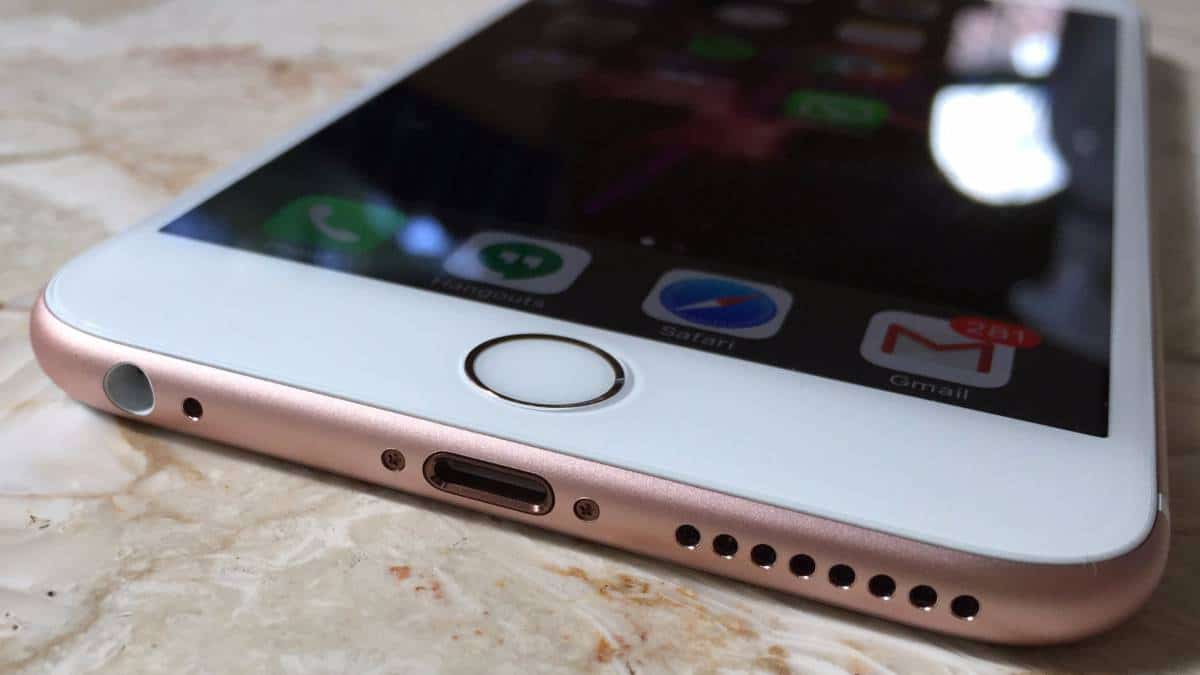
Do you have an iPhone 7 with a voice recording function that isn't working? It may be affected by Audio Disease, a common issue with the iPhone 7 and iPhone 7 Plus. Other symptoms include the speakerphone not working or the phone getting stuck on the Apple logo. Audio Disease requires a particularly careful repair by an experienced technician using modern equipment.
Signs your iPhone 7 needs Audio Chip repair
- The microphone doesn't work
- Voice recording doesn't work
- The sound cuts in and out during calls
- The phone gets stuck on the Apple logo
What an iPhone 7 Audio Chip repair involves
- Inspecting the device and updating the customer
- Disassembling the iPhone
- Removing the Audio IC from the board
- Cleaning and repairing the board contacts
- Creating a wire jumper at C12 Pin
- Positioning a stencil and applying solder paste to reball the chip
- Refitting the Audio IC to the board and reassembling the phone
- Testing for correct operation
- Updating the customer and returning the device
If you have an iPhone 7 or iPhone 7 Plus that needs an Audio Chip repair, visit your nearest THE FIXERS store.




Share:
I forgot my iPhone passcode. What should I do?
Fast Samsung A10 screen repair by the team at THE FIXERS